DATE · Getting started
Default Date
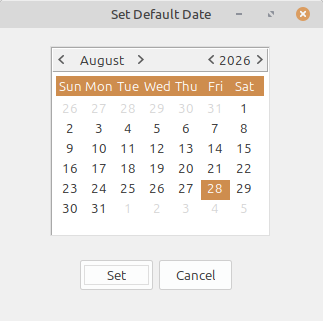
Choose the accounting date LedgerSL uses throughout the current work session.
What it does
Choose the accounting date LedgerSL uses throughout the current work session.
Work in the intended accounting period instead of relying only on today’s date.
Carry the selected date into entry, lists, and posting workflows.
Keep back-posting deliberate and visible.
Connected workflow
A single-location company can use one meaningful location, division, and department. A business with several locations or operating areas can add the detail it needs without changing the accounting workflow.