EDIT
Edit an unposted manual batch
Correct or complete a manual journal before it becomes part of the posted ledger.
What it does
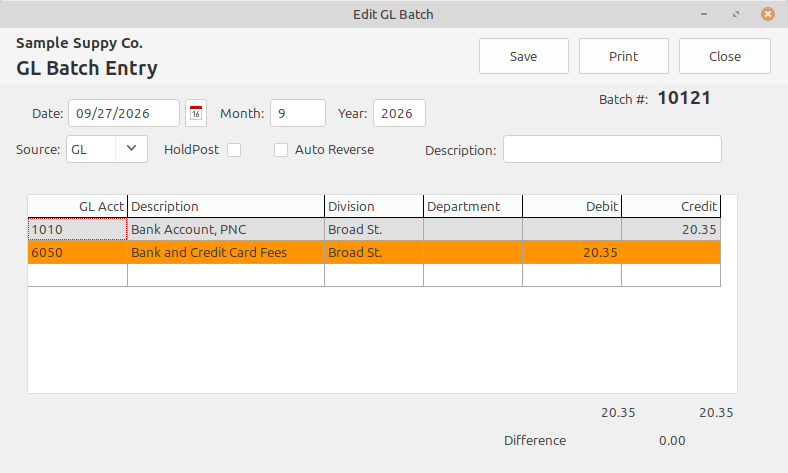
Edit Batch opens the selected manual GL journal while it is still unposted. Batches created by other modules and posted journals remain protected.
Select an unposted manual GL batch in the Console.
Open it with Edit Batch or by double-clicking the batch.
Correct the header, accounts, descriptions, debits, or credits.
Recheck the balance and hold status before posting.
Accounting result
The corrected journal returns to the Console for the normal review and posting process.