Global Search
Search across LedgerSL modules, open the area that owns a result, or review its audit history.
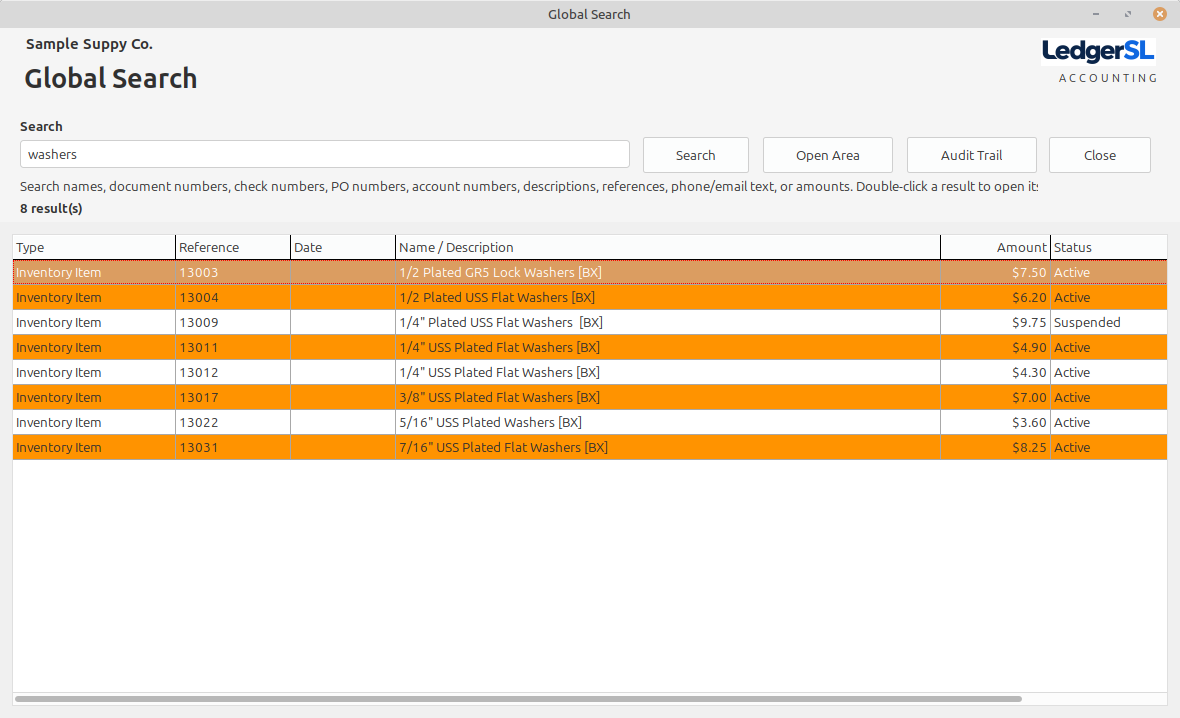
Selected result options
From a result to the next answer.
Global Search keeps the next step close: go to the record’s working area or inspect the activity recorded behind it.
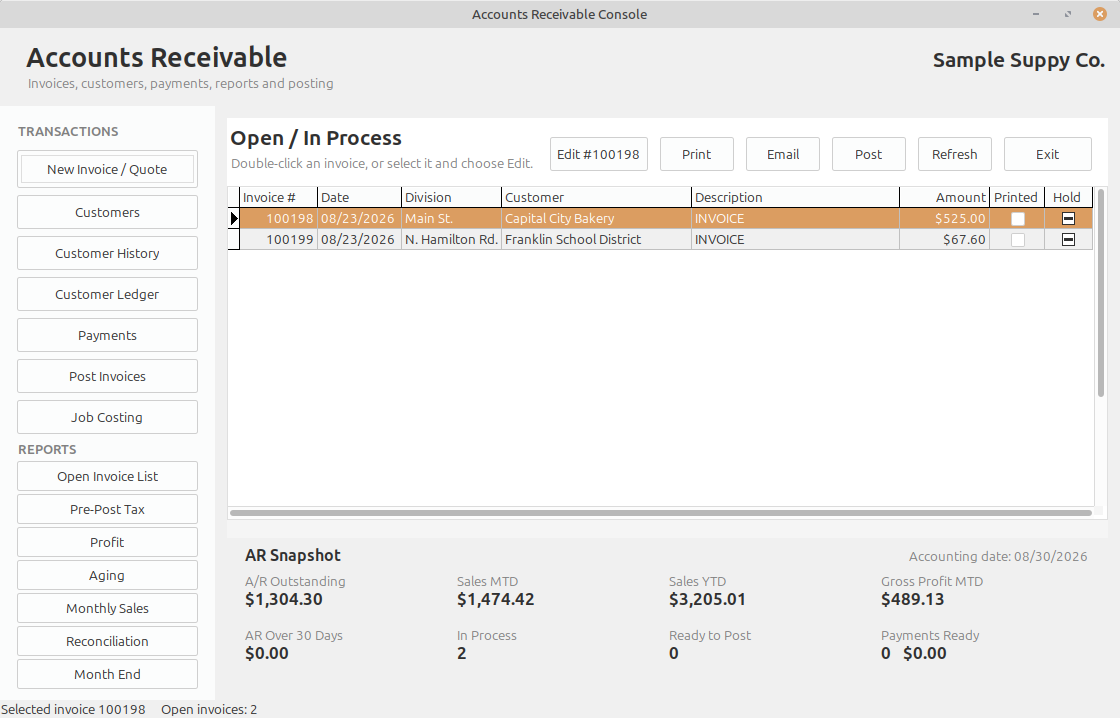
Open Area
Open the selected result’s owning LedgerSL area so you can review or continue working with the record in its normal business context.
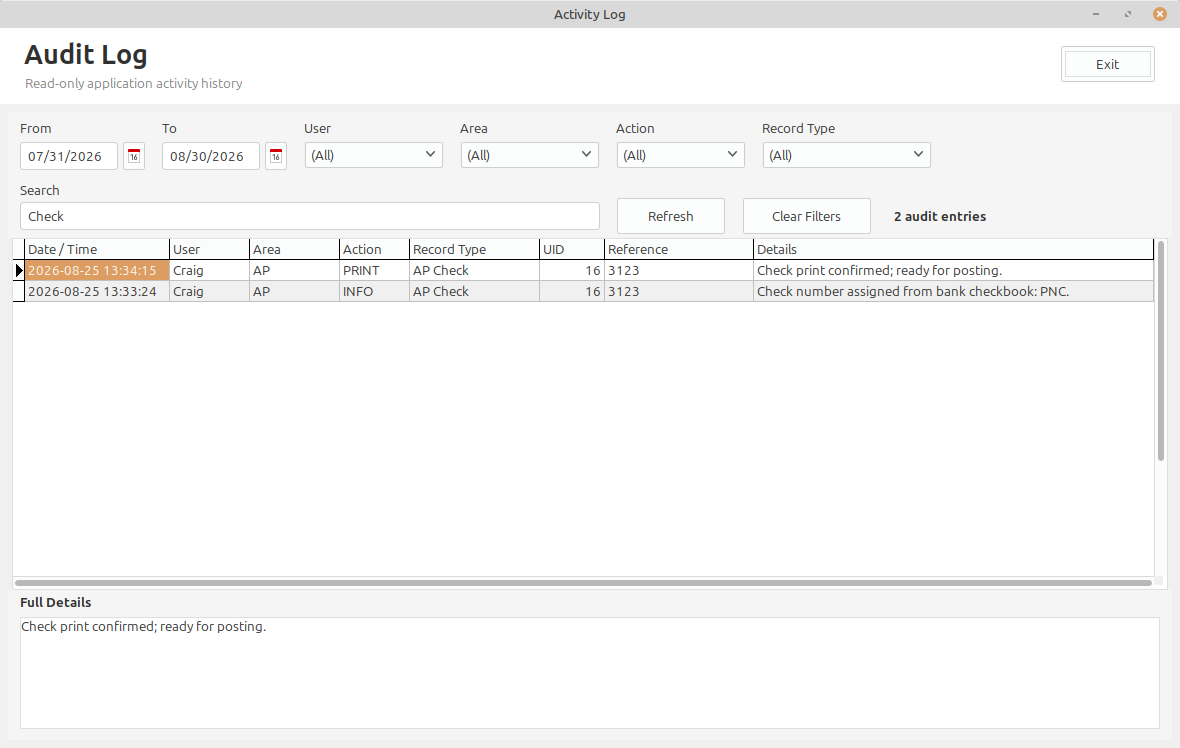
Audit Trail
Review the activity recorded for the selected result, including date and time, user, area, action, reference, and full details.
What it does
Search across LedgerSL modules, open the area that owns a result, or review its audit history.
Search names, descriptions, document numbers, check or PO numbers, references, phone or email text, and amounts.
Respect the signed-in user’s module permissions.
Select a result and choose Open Area or Audit Trail for the next step.
A single-location company can use one meaningful location, division, and department. A business with several locations or operating areas can add the detail it needs without changing the accounting workflow.