EDIT · Inventory
Edit Item
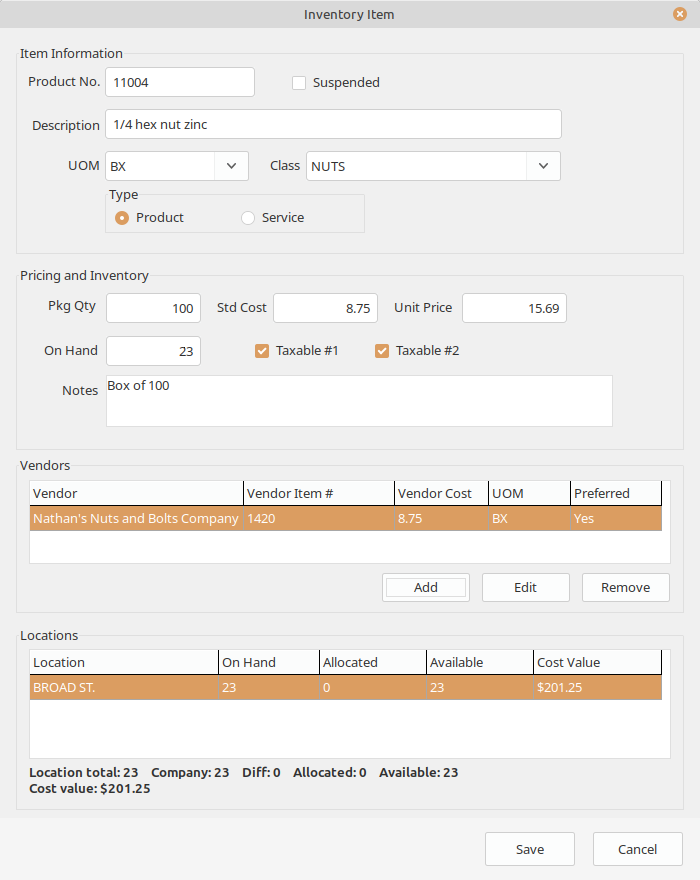
Maintain the selected item’s descriptions, controls, costs, prices, vendors, and status.
What it does
Maintain the selected item’s descriptions, controls, costs, prices, vendors, and status.
Update item details without changing transaction history.
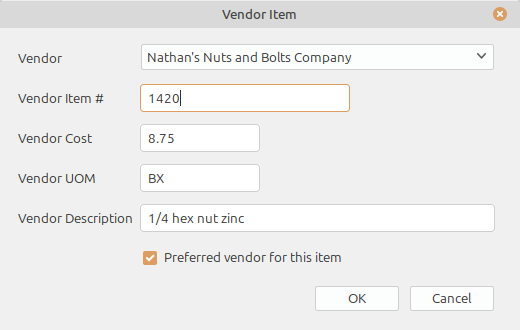
Maintain vendor item references and preferred purchasing information.
Suspend items that should remain in history but not receive new activity.
Connected workflow
LedgerSL connects customer commitments to product needed, purchase orders to receipts, receipts to inventory, and inventory value to General Ledger.